
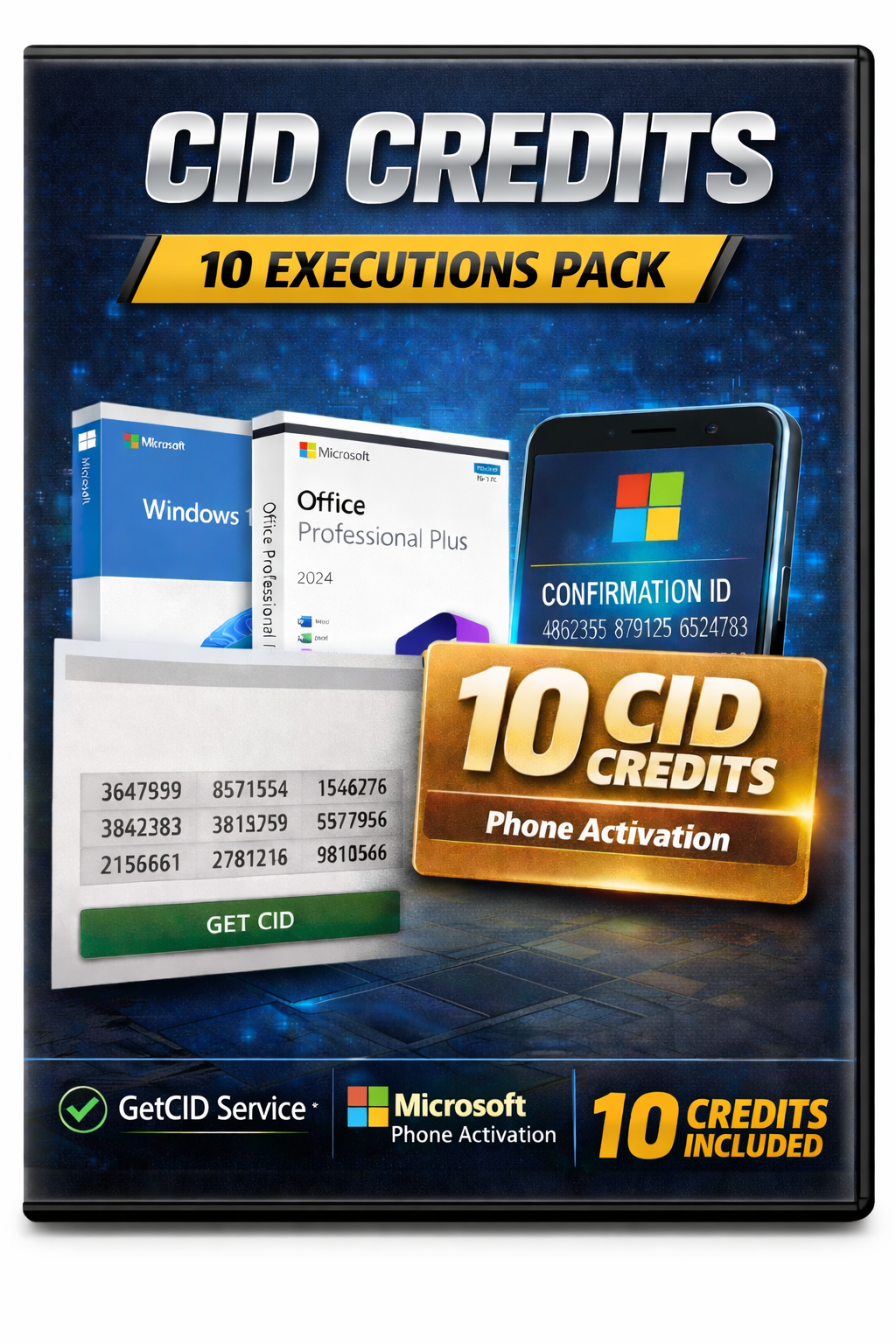
Phone Activation — Get Your Confirmation ID (CID)
How this works
- 1) Purchase a license from keys4us.com.
- 2) Start phone activation to get your Installation ID (9 groups of 7 digits).
- 3) Enter your order email and Installation ID here.
- 4) We validate your order and retrieve a Confirmation ID (CID).
- 5) Enter the CID in the activation wizard to finish activation.
This portal is automated and only works for verified Keys4Us customers. If you did not buy from Keys4Us, your email will not be recognized.
Key features
- Only valid Keys4Us orders are accepted.
- Reusing the same Installation ID does not consume extra activations.
- Fast processing when your order is eligible.
Frequently asked questions
Who can use this portal?
Only customers who purchased from keys4us.com using the same email address.
What if I see “No purchases found for this email”?
- Check the spelling of your email.
- Ensure your order is completed and not refunded.
- Confirm you purchased from keys4us.com (not another site).
- If it still looks wrong, contact support with your order number and a screenshot.
Does reusing the same Installation ID use another activation?
No. The same Installation ID for the same email returns the existing CID without using new credits.
Why do I have limited activations?
Your activations are based on valid completed orders at Keys4Us. Each new, unique Installation ID (new device or major hardware change) may use one activation from your balance.
What if nothing works?
Double-check your email and Installation ID. If you still cannot activate, take a screenshot of the activation screen and contact Keys4Us support with your order details.